
TypeScript の型設計で事故を減らす実践テクニック
any 撲滅から始める型安全な設計手法。Union Types・Type Guards・ブランド型・Zod バリデーションまで、実務で即使える TypeScript 型設計のベストプラクティスを解説します。
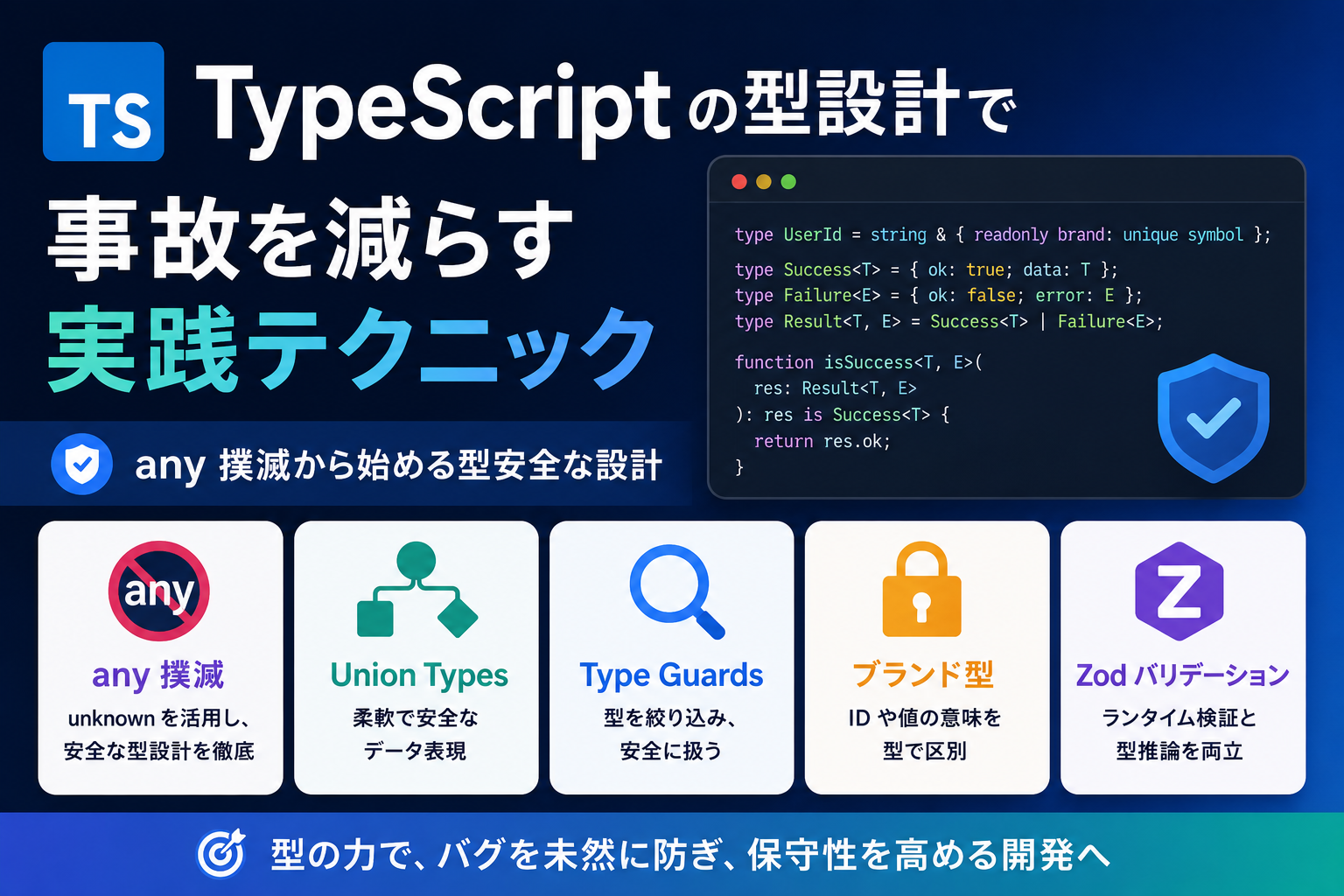
TypeScript の型設計で事故を減らす実践テクニック
「型があるから安全」と思っていたら、any だらけのコードでランタイムエラー。TypeScript を導入しても、型の恩恵を受けられていないプロジェクトは少なくありません。
本記事では、受託開発・自社開発の現場で実際に型による事故を減らせる設計テクニックを、コード例とともに解説します。any 撲滅・Union Types の活用・Type Guards・ブランド型・Zod によるランタイムバリデーションまで、段階的に型安全性を高める実践ガイドです。
1. なぜ TypeScript でも事故が起きるのか
型システムの「穴」を理解する
TypeScript はコンパイル時の型チェックを提供しますが、以下のような「穴」が存在します。
| 事故の原因 | 具体例 | 影響 |
|------------|--------|------|
| any の多用 | API レスポンスを any で受け取る | 型チェックが機能しない |
| 型アサーション乱用 | as unknown as T で無理やりキャスト | 実行時エラーの温床 |
| 外部データの未検証 | JSON.parse の結果をそのまま使用 | 想定外の値でクラッシュ |
| Optional の扱い漏れ | user.profile.name で undefined エラー | null/undefined 安全性の欠如 |
| 型定義の不一致 | フロント・バック間で型が同期されない | データ構造の齟齬 |
本記事で扱う範囲
- 基礎: any 撲滅・strictNullChecks の活用
- 中級: Union Types・Type Guards・Mapped Types
- 実践: ブランド型・Zod バリデーション・型共有戦略
2. tsconfig.json で型安全の土台を作る
必須設定項目
まず、tsconfig.json で厳格な型チェックを有効化します。
{
  "compilerOptions": {
    "strict": true,
    "strictNullChecks": true,
    "strictFunctionTypes": true,
    "strictPropertyInitialization": true,
    "noImplicitAny": true,
    "noImplicitThis": true,
    "noUnusedLocals": true,
    "noUnusedParameters": true,
    "noImplicitReturns": true,
    "noFallthroughCasesInSwitch": true,
    "skipLibCheck": true,
    "esModuleInterop": true,
    "moduleResolution": "bundler",
    "resolveJsonModule": true
  }
}
各設定の効果
| 設定 | 効果 |
|------|------|
| strict: true | 全ての厳格オプションを有効化 |
| strictNullChecks | null / undefined を明示的に扱う |
| noImplicitAny | 暗黙の any を禁止 |
| noUnusedLocals | 未使用変数を検出(デッドコード防止) |
| noImplicitReturns | すべての分岐で return を強制 |
段階的導入のコツ
既存プロジェクトでは、一気に strict: true にすると大量のエラーが発生します。以下の順で段階的に導入しましょう。
noImplicitAny: true→ any を明示的に書くstrictNullChecks: true→ null/undefined を型で表現strict: true→ 残りの厳格オプションを有効化
3. any を撲滅する具体的手法
3-1. unknown を使う
外部データや型が不明な値には any ではなく unknown を使います。
// ❌ 悪い例: any は何でも許してしまう
function parseResponse(data: any) {
  return data.user.name; // 実行時エラーの可能性
}

// ✅ 良い例: unknown で受けて型を絞る
function parseResponse(data: unknown) {
  if (typeof data === 'object' && data !== null && 'user' in data) {
    const obj = data as { user: { name: string } };
    return obj.user.name;
  }
  throw new Error('Invalid response');
}
3-2. API レスポンスの型定義
API 通信では、Zod などのスキーマバリデーションライブラリを使います(後述)。
import { z } from 'zod';

// スキーマ定義
const UserSchema = z.object({
  id: z.number(),
  name: z.string(),
  email: z.string().email(),
  role: z.enum(['admin', 'user', 'guest']),
});

// 型を自動生成
type User = z.infer<typeof UserSchema>;

// API レスポンスを検証
async function fetchUser(id: number): Promise<User> {
  const res = await fetch(`/api/users/${id}`);
  const data = await res.json();
  return UserSchema.parse(data); // ランタイムで検証
}
3-3. JSON.parse の型安全化
function safeJsonParse<T>(text: string, schema: z.ZodSchema<T>): T {
  const data = JSON.parse(text);
  return schema.parse(data);
}

// 使用例
const userJson = '{"id":1,"name":"Alice","email":"alice@example.com","role":"user"}';
const user = safeJsonParse(userJson, UserSchema);
4. Union Types と Type Guards で状態を型で表現
4-1. Union Types による状態管理
「読み込み中」「成功」「失敗」といった状態を Union Types で表現します。
type AsyncState<T> =
  | { status: 'idle' }
  | { status: 'loading' }
  | { status: 'success'; data: T }
  | { status: 'error'; error: Error };

// 使用例
function UserProfile({ state }: { state: AsyncState<User> }) {
  switch (state.status) {
    case 'idle':
      return <div>Click to load</div>;
    case 'loading':
      return <div>Loading...</div>;
    case 'success':
      return <div>{state.data.name}</div>; // data は型安全
    case 'error':
      return <div>Error: {state.error.message}</div>;
  }
}
4-2. Discriminated Union の活用
status フィールドで判別可能な Union を作ると、TypeScript が自動で型を絞り込みます。
type PaymentMethod =
  | { type: 'credit_card'; cardNumber: string; cvv: string }
  | { type: 'bank_transfer'; accountNumber: string }
  | { type: 'paypal'; email: string };

function processPayment(method: PaymentMethod) {
  switch (method.type) {
    case 'credit_card':
      // method.cardNumber が使える(型が絞られている)
      return chargeCreditCard(method.cardNumber, method.cvv);
    case 'bank_transfer':
      return transferFromBank(method.accountNumber);
    case 'paypal':
      return chargePaypal(method.email);
  }
}
4-3. Type Guards の実装
function isSuccessState<T>(state: AsyncState<T>): state is { status: 'success'; data: T } {
  return state.status === 'success';
}

// 使用例
if (isSuccessState(state)) {
  console.log(state.data.name); // 型安全にアクセス
}
5. Optional と null/undefined の安全な扱い方
5-1. Optional Chaining と Nullish Coalescing
type User = {
  id: number;
  profile?: {
    name?: string;
    avatar?: string;
  };
};

// ❌ 危険: profile が undefined の可能性
const name = user.profile.name;

// ✅ 安全: Optional Chaining
const name = user.profile?.name;

// ✅ デフォルト値も設定
const name = user.profile?.name ?? 'Anonymous';
5-2. Non-Null Assertion は避ける
// ❌ 避けるべき: ! で無理やり non-null にする
const name = user.profile!.name!;

// ✅ 推奨: 明示的にチェック
if (user.profile?.name) {
  const name: string = user.profile.name; // 型が絞られる
}
5-3. Required と Partial の活用
// すべて Optional なフォーム入力
type UserForm = {
  name?: string;
  email?: string;
  age?: number;
};

// すべて必須な保存データ
type UserData = Required<UserForm>;

// バリデーション関数
function validateForm(form: UserForm): UserData | null {
  if (form.name && form.email && form.age !== undefined) {
    return form as UserData;
  }
  return null;
}
6. ブランド型で値の種類を区別する
6-1. ブランド型とは
プリミティブ型(string, number)に「ブランド」を付けて、異なる種類の値を区別します。
// ブランド型の定義
type UserId = number & { readonly brand: unique symbol };
type ProductId = number & { readonly brand: unique symbol };

// コンストラクタ関数
function createUserId(id: number): UserId {
  return id as UserId;
}

function createProductId(id: number): ProductId {
  return id as ProductId;
}

// 使用例
function getUser(id: UserId) { /* ... */ }
function getProduct(id: ProductId) { /* ... */ }

const userId = createUserId(123);
const productId = createProductId(456);

getUser(userId); // ✅ OK
getUser(productId); // ❌ コンパイルエラー(型が違う)
6-2. Email・URL などの検証付きブランド型
type Email = string & { readonly brand: unique symbol };

function createEmail(value: string): Email | null {
  const emailRegex = /^[^\s@]+@[^\s@]+\.[^\s@]+$/;
  if (emailRegex.test(value)) {
    return value as Email;
  }
  return null;
}

// 使用例
function sendEmail(to: Email, subject: string) {
  // to は必ず妥当なメールアドレス
}

const email = createEmail('user@example.com');
if (email) {
  sendEmail(email, 'Hello');
}
7. Zod でランタイムバリデーション
7-1. Zod の基本
TypeScript の型定義とランタイムバリデーションを統一できます。
import { z } from 'zod';

// スキーマ定義
const CreateUserSchema = z.object({
  name: z.string().min(1).max(50),
  email: z.string().email(),
  age: z.number().int().min(0).max(120),
  role: z.enum(['admin', 'user', 'guest']).default('user'),
});

// 型を自動生成
type CreateUserInput = z.infer<typeof CreateUserSchema>;

// バリデーション
function createUser(input: unknown): CreateUserInput {
  return CreateUserSchema.parse(input); // エラー時は ZodError
}

// セーフなバリデーション
const result = CreateUserSchema.safeParse(input);
if (result.success) {
  console.log(result.data);
} else {
  console.error(result.error.errors);
}
7-2. API エンドポイントでの活用(Next.js)
import { z } from 'zod';
import { NextRequest, NextResponse } from 'next/server';

const CreatePostSchema = z.object({
  title: z.string().min(1),
  content: z.string(),
  published: z.boolean().default(false),
});

export async function POST(req: NextRequest) {
  try {
    const body = await req.json();
    const data = CreatePostSchema.parse(body);

    // data は型安全
    const post = await db.post.create({ data });

    return NextResponse.json(post);
  } catch (error) {
    if (error instanceof z.ZodError) {
      return NextResponse.json(
        { errors: error.errors },
        { status: 400 }
      );
    }
    return NextResponse.json(
      { error: 'Internal server error' },
      { status: 500 }
    );
  }
}
7-3. 環境変数の検証
import { z } from 'zod';

const EnvSchema = z.object({
  DATABASE_URL: z.string().url(),
  API_KEY: z.string().min(32),
  NODE_ENV: z.enum(['development', 'production', 'test']),
  PORT: z.string().transform(Number).pipe(z.number().int().positive()),
});

export const env = EnvSchema.parse(process.env);

// 使用時は型安全
console.log(env.PORT); // number 型
8. フロント・バック間での型共有戦略
8-1. モノレポで型を共有
project/
├── packages/
│   ├── api/          # バックエンド
│   ├── web/          # フロントエンド
│   └── shared/       # 共通型定義
│       └── src/
│           ├── schemas/  # Zod スキーマ
│           └── types/    # 型定義
└── package.json
// packages/shared/src/schemas/user.ts
import { z } from 'zod';

export const UserSchema = z.object({
  id: z.number(),
  name: z.string(),
  email: z.string().email(),
});

export type User = z.infer<typeof UserSchema>;
// packages/api/src/routes/users.ts
import { UserSchema } from '@myapp/shared';

export async function getUser(id: number) {
  const user = await db.user.findUnique({ where: { id } });
  return UserSchema.parse(user);
}
// packages/web/src/api/users.ts
import { User } from '@myapp/shared';

export async function fetchUser(id: number): Promise<User> {
  const res = await fetch(`/api/users/${id}`);
  return res.json(); // 型が保証される
}
8-2. OpenAPI から型を生成
バックエンドが OpenAPI スキーマを提供している場合、openapi-typescript で型を自動生成できます。
npx openapi-typescript https://api.example.com/openapi.json -o ./src/types/api.ts
import type { paths } from './types/api';

type GetUserResponse = paths['/users/{id}']['get']['responses']['200']['content']['application/json'];
8-3. tRPC による型安全な RPC
// server.ts
import { initTRPC } from '@trpc/server';
import { z } from 'zod';

const t = initTRPC.create();

export const appRouter = t.router({
  getUser: t.procedure
    .input(z.object({ id: z.number() }))
    .query(async ({ input }) => {
      return await db.user.findUnique({ where: { id: input.id } });
    }),
});

export type AppRouter = typeof appRouter;
// client.ts
import { createTRPCProxyClient, httpBatchLink } from '@trpc/client';
import type { AppRouter } from './server';

const client = createTRPCProxyClient<AppRouter>({
  links: [httpBatchLink({ url: 'http://localhost:3000/trpc' })],
});

// 型安全な呼び出し
const user = await client.getUser.query({ id: 1 });
9. 実務で使える型設計チェックリスト
設定
- [ ]
tsconfig.jsonでstrict: trueを有効化 - [ ]
noImplicitAny,strictNullChecksを確認 - [ ] ESLint で
@typescript-eslint/no-explicit-anyを警告
型定義
- [ ]
anyの使用箇所をunknownに置き換え - [ ] API レスポンスに Zod バリデーションを適用
- [ ] Union Types で状態を表現(loading/success/error)
- [ ] Optional なプロパティは
?.でアクセス - [ ] ブランド型で ID・Email などを区別
型共有
- [ ] フロント・バック間で型定義を共有(モノレポ or 生成)
- [ ] Zod スキーマを Single Source of Truth に
- [ ] 環境変数も型検証する
コードレビュー観点
- [ ] 型アサーション
asの使用を最小化 - [ ] Non-Null Assertion
!を避ける - [ ]
@ts-ignore/@ts-expect-errorの濫用を防ぐ - [ ] 外部データは必ずバリデーション
まとめ
TypeScript の型システムを「書いてあるだけ」から「実際に事故を防ぐ」レベルに引き上げるには、以下が重要です。
- tsconfig の厳格化:
strict: trueで土台を作る - any 撲滅:
unknownと Zod でランタイムまで型安全に - Union Types: 状態を型で表現し、不正な組み合わせを防ぐ
- ブランド型: プリミティブ値に意味を持たせる
- 型共有: フロント・バック間で型定義を統一
これらを段階的に導入することで、TypeScript のメリットを最大限に引き出し、実行時エラーを大幅に削減できます。
Yureate では、型安全な設計を重視した受託開発を行っています。 TypeScript・Next.js・Supabase を活用した MVP 開発から本番運用まで、技術選定・設計・実装をサポートします。お気軽に お問い合わせ ください。